AI-NATIVE DESIGN PROCESS
Five weeks of integrating AI into research, prototyping, and engineering handoff. Built to be repeatable for the full design team.
The Problem
At a certain scale, sequential design work stops being enough. Stakeholder reviews, engineering handoffs, and research synthesis all had to happen at the same time, on one designer's plate. The question wasn't whether to bring AI in. It was how to use it without giving away the thinking.
What I Built
The work fell into three areas, each addressing a different point of friction in the design-to-delivery process.
 01
Design Advisor Agent
01
Design Advisor Agent
Trained an AI agent on 800+ pages of design system documentation so the team could query it directly. Reduced the time spent searching docs for the right component, token, or pattern. The agent is live; the team is currently evaluating how to integrate it into the broader design workflow.
 02
AI-Assisted Flow Generation
02
AI-Assisted Flow Generation
Used Figma Make to generate preliminary user flows for unfamiliar features before stakeholder conversations. Provided a concrete starting point rather than an empty whiteboard. The pattern was used across several feature discussions; the team is aligning on how to standardize it.
 03
Figma Make + Copilot Pipeline
03
Figma Make + Copilot Pipeline
Used Figma Make to generate interactive prototypes from design files, then extended them in VS Code with GitHub Copilot. What previously took multiple days could be completed in a few hours, producing a coded prototype engineers could read or build from directly. The pipeline has been demonstrated to the team; adoption across projects is in progress.
Guardrails and Quality
Every AI-assisted output was reviewed before moving forward: checked against design system specs and discussed across design, brand, creative, and PM.
Constraints included no sensitive member data, no PHI, and no tools outside company-approved platforms.
"AI accelerates the draft, but a designer has to stay in the loop to ensure the output actually reflects the system, the user need, and the standards engineering will build from."
The Workflow
The Figma Make to Copilot pipeline is the most transferable part of this process. The steps below reflect how it runs in practice.
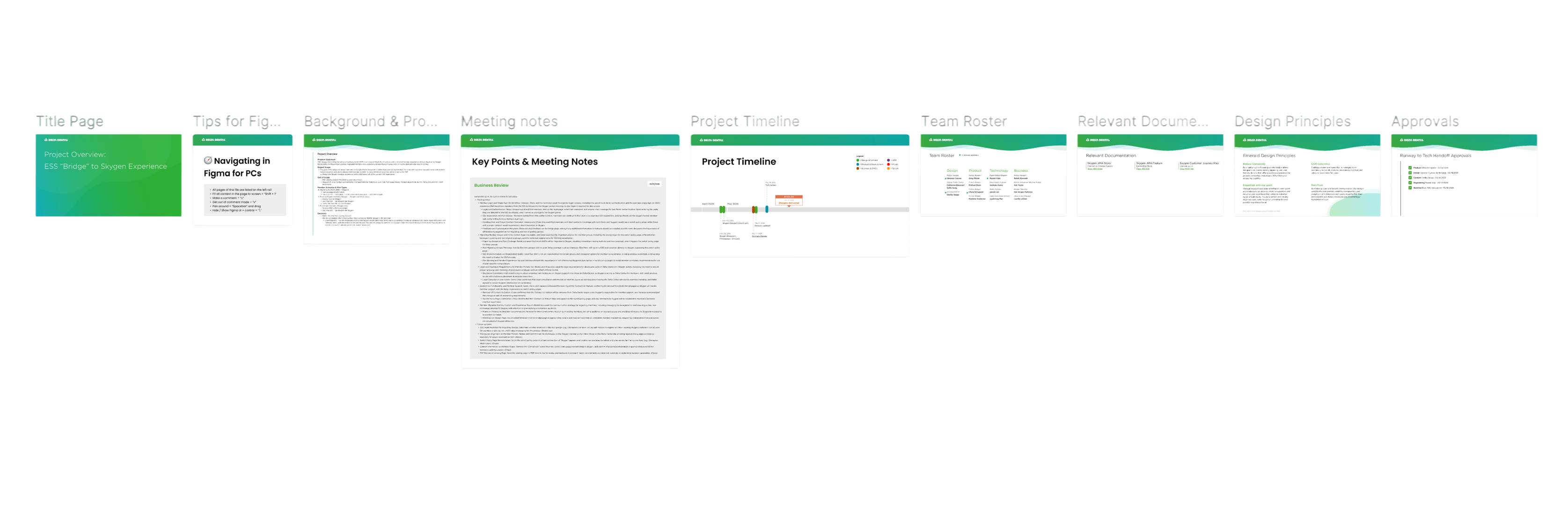
A new feature needs a prototype concrete enough to test assumptions with stakeholders before engineering is involved. The brief establishes what question the prototype is meant to answer.
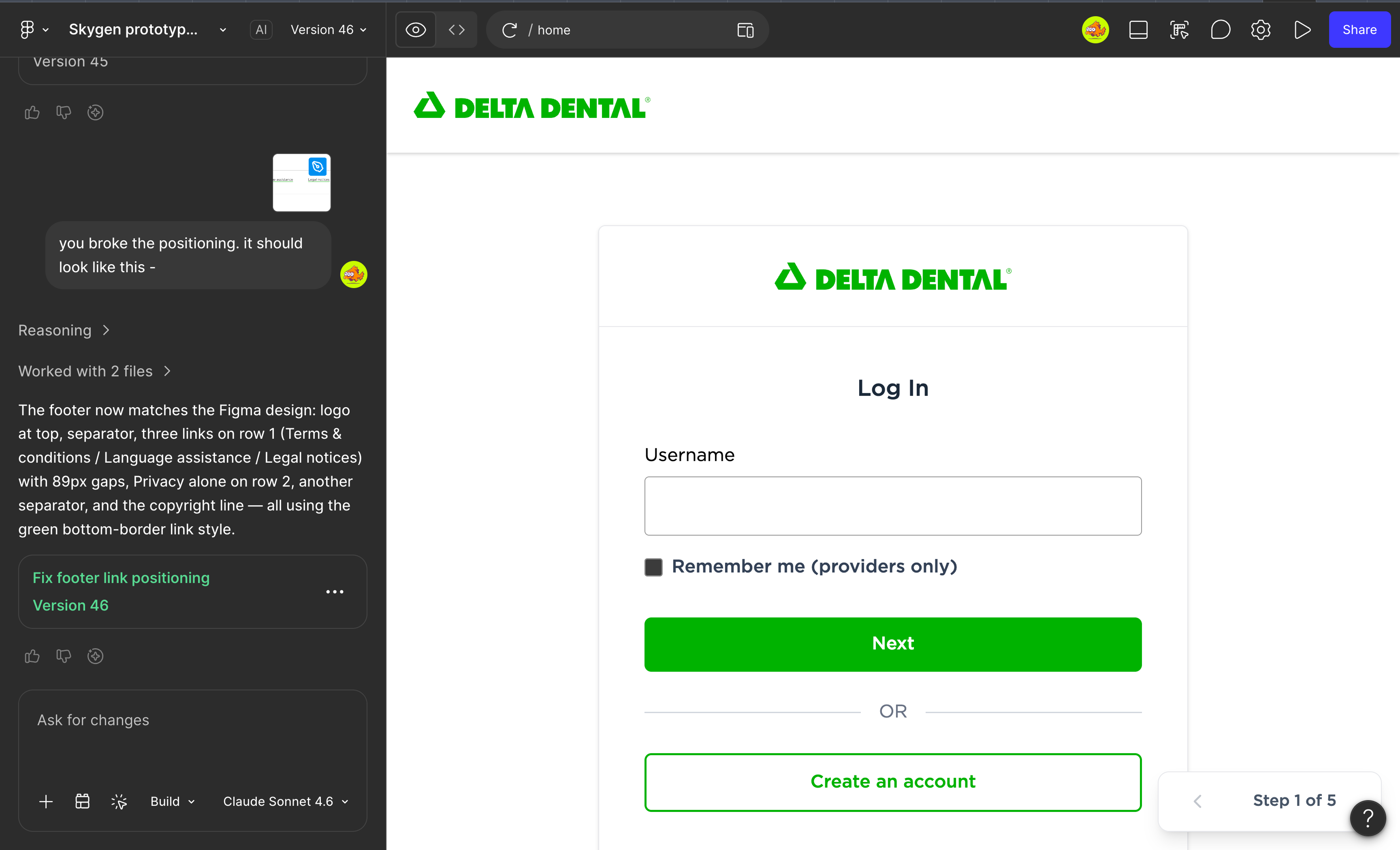
Figma Make generates an interactive prototype directly from the design file. The output is a fully coded UI rather than a clickable prototype, which matters because the team cannot use engineering test environments for early review, since those contain PHI and require custom logins.
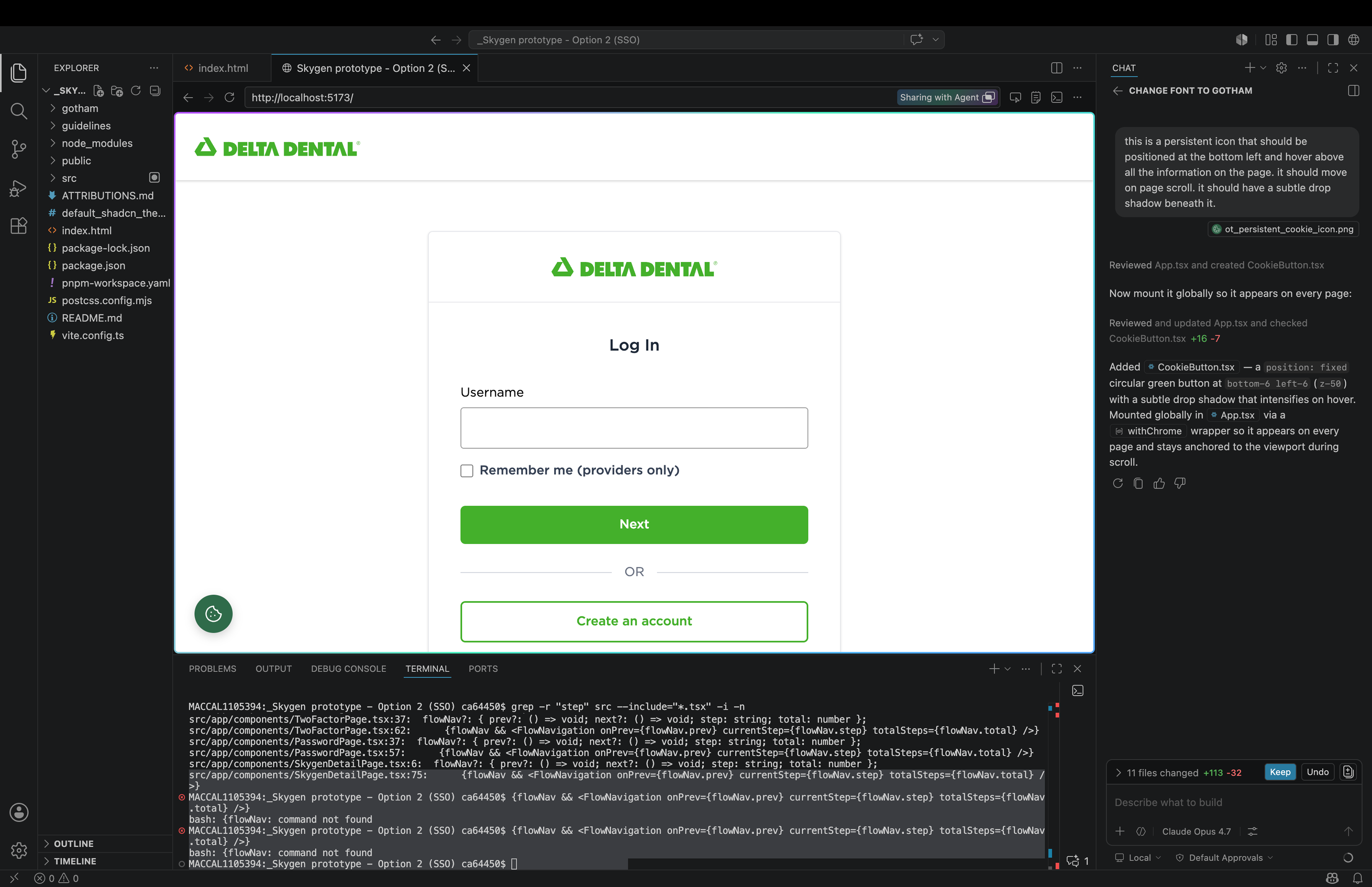
Export the functional front-end POC to VS Code. GitHub Copilot extends it, adds logic, and handles the parts that require actual code: interaction states, edge cases, real data shapes.
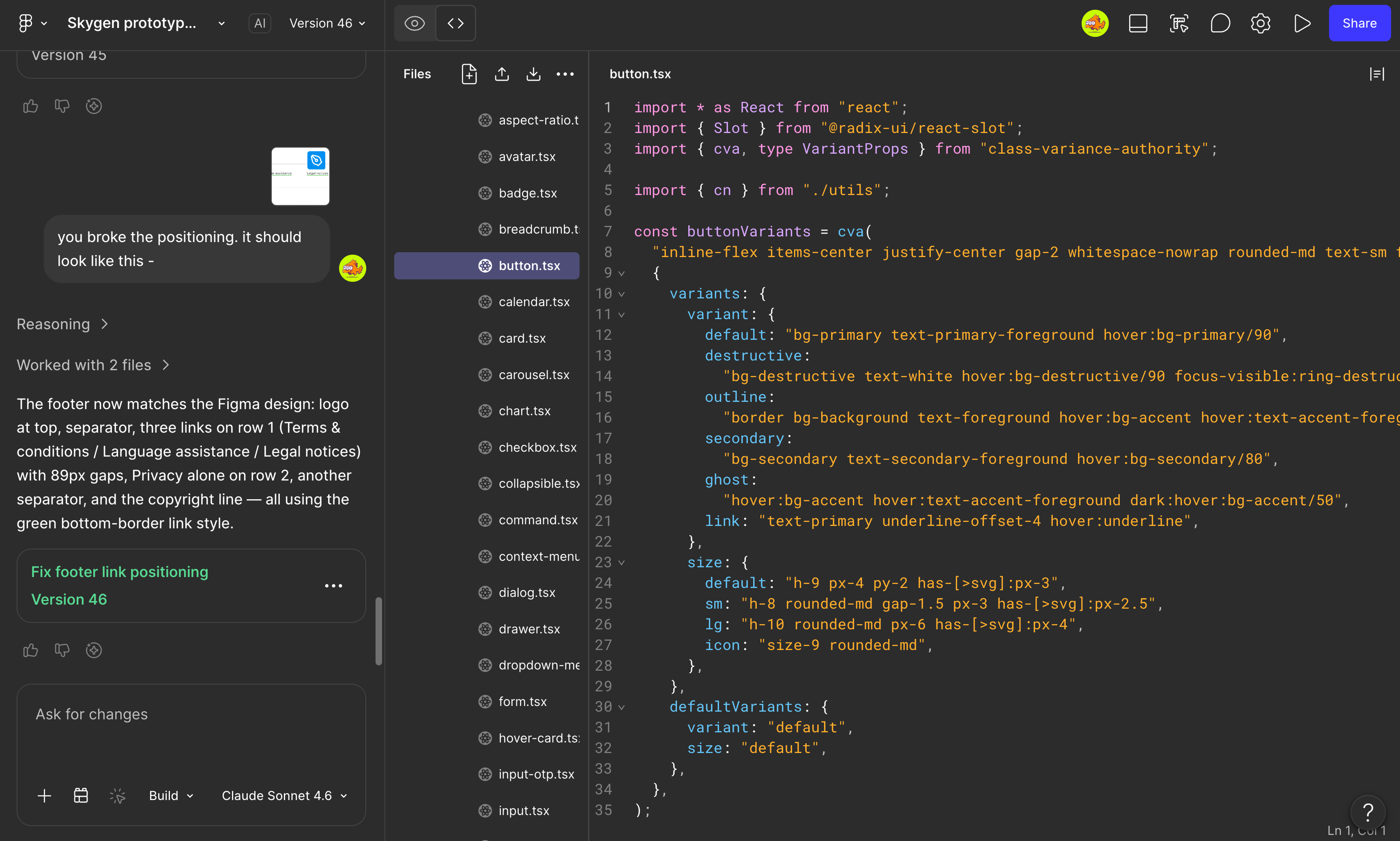
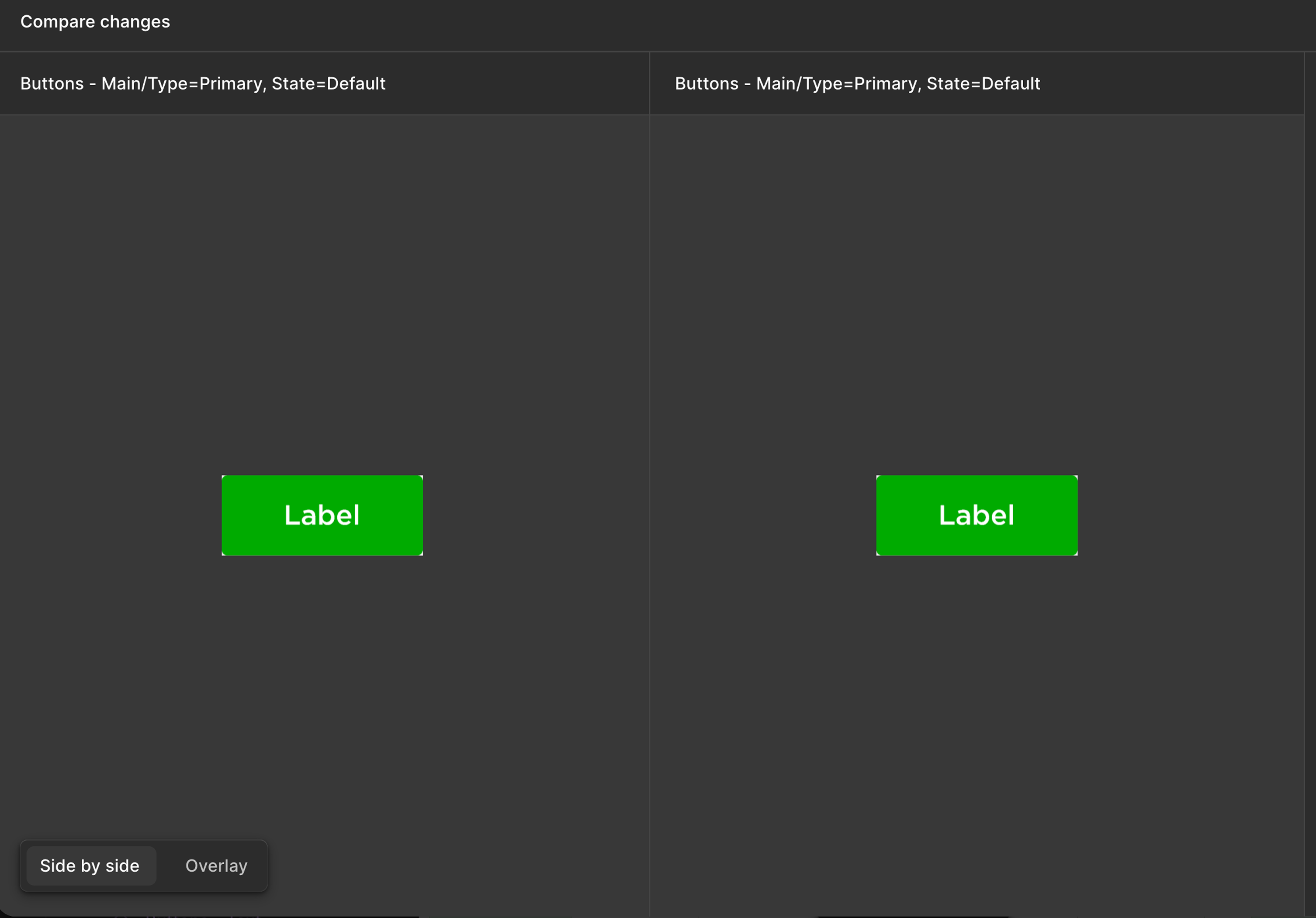
Check the generated code against design specs: correct component usage, accurate interaction behavior, system alignment. Refine with Copilot until it matches. AI accelerates the draft but the designer stays in the loop.
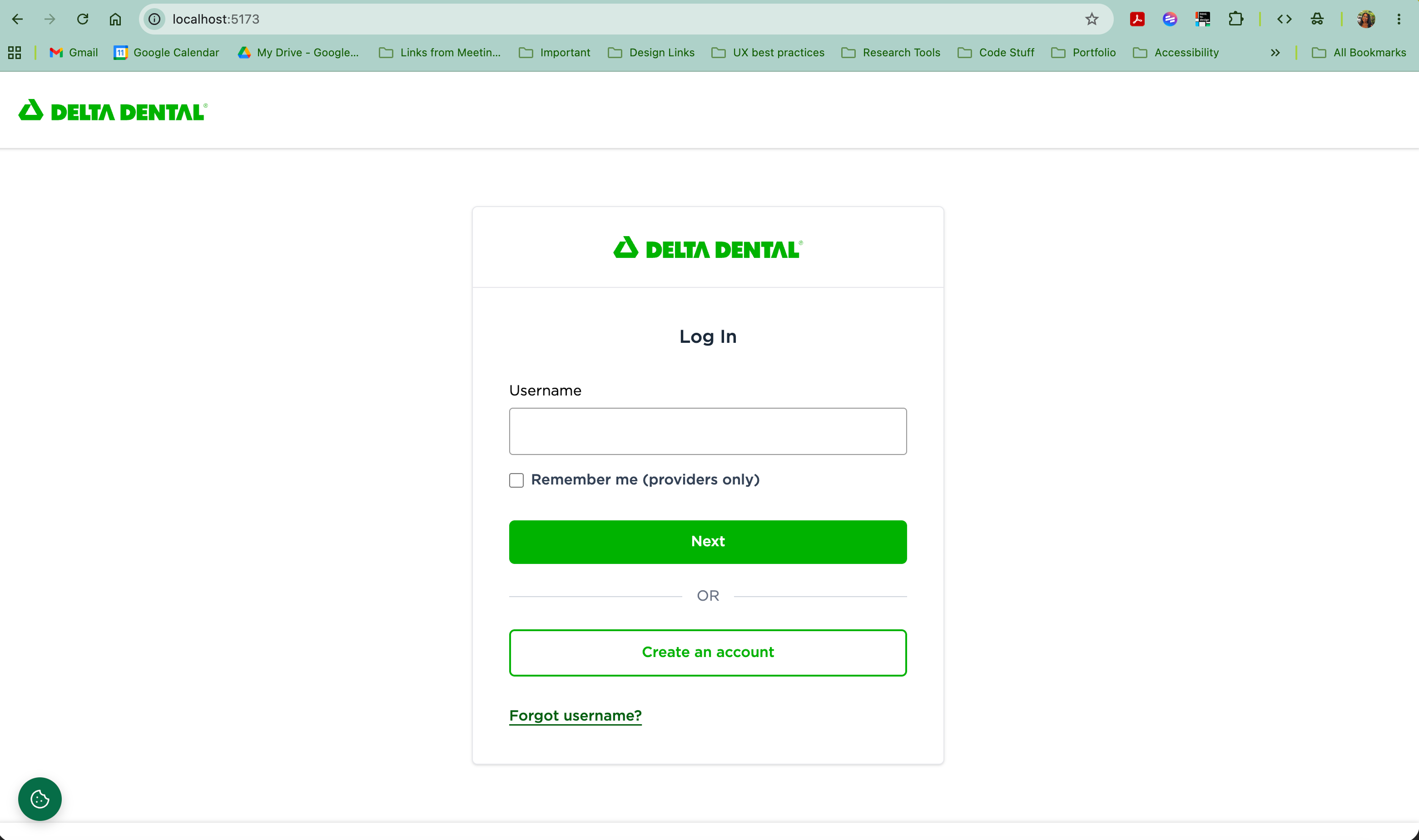
The result is a working prototype stakeholders can navigate and engineers can reference or build from. Both sides are working from the same artifact.
Successes and Failures
What worked: the Design Advisor agent is live and queryable by the full team. The Figma Make to Copilot pipeline compressed multi-day prototype work into hours and produced artifacts engineers could directly reference. Both are being evaluated for broader team adoption.
What didn't: Figma MCP context bloat degraded output quality over time. Pulling data for entire frames accumulated too much context, making responses less precise and harder to trust. The fix was to treat it as a read-once extraction tool: pull the specific component spec needed, work from that artifact, and reset context between tasks.